Tag: #AZURE #ADconnect #Sync #Location #attribute #locationissue

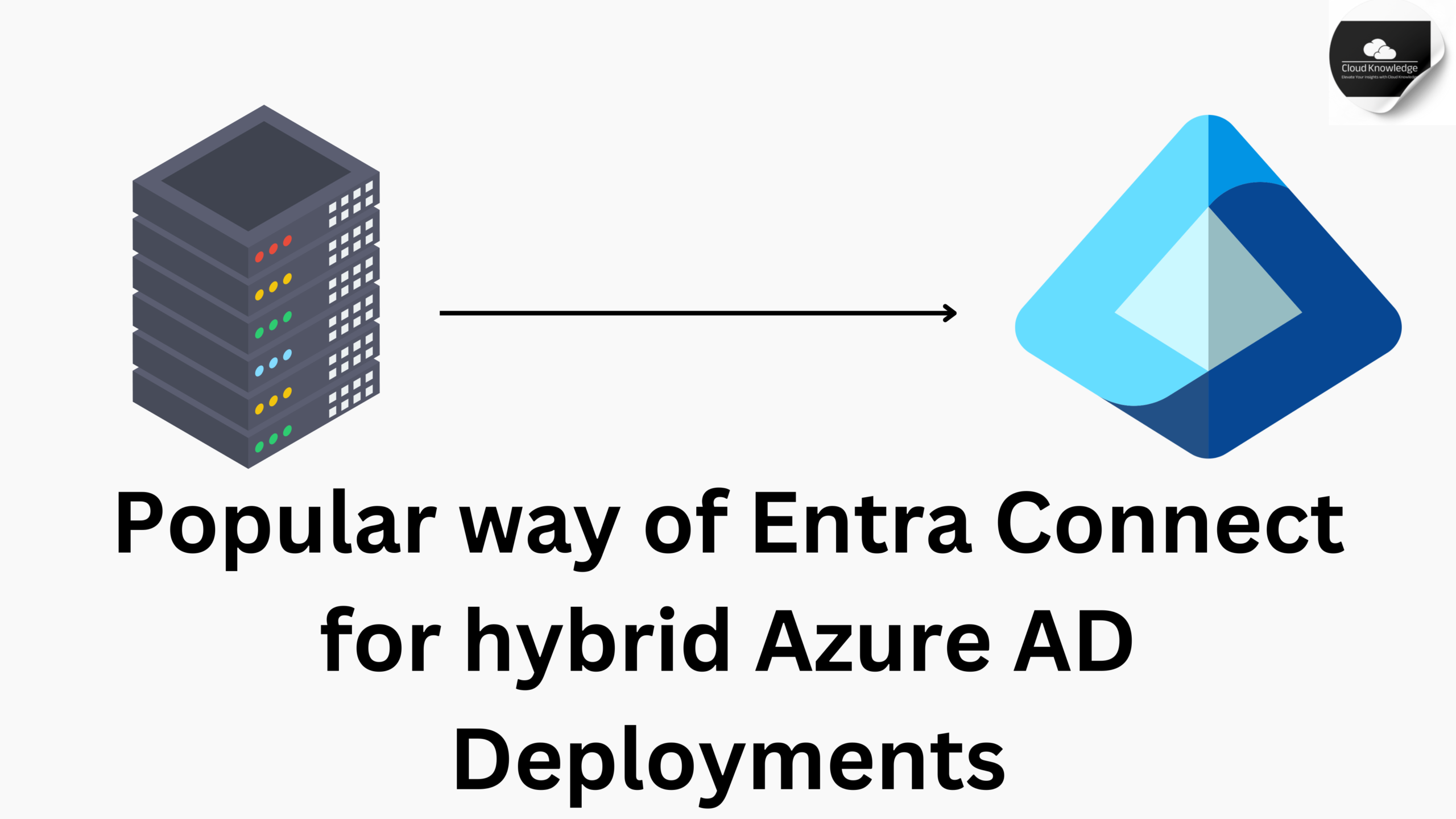
  • Popular way of Entra Connect for hybrid Azure AD deployments

    Popular way of Entra Connect for hybrid Azure AD deployments

    Entra Connect for Hybrid Azure AD Deployments   1. What is Entra Connect and its Purpose?Microsoft Entra Connect (formerly known as Azure AD Connect) is a tool designed to simplify and streamline identity management in hybrid environments. It bridges on-premises Active Directory (AD) with Azure Active Directory (Azure AD), enabling…

  • The Knowledgeable and Latest way of Duplicate Attribute Resiliency

    The Knowledgeable and Latest way of Duplicate Attribute Resiliency

    Duplicate Attribute Resiliency in Microsoft Entra ID addresses conflicts caused by duplicate UserPrincipalName (UPN) and SMTP ProxyAddress attributes during synchronization. These attributes must remain unique across all User, Group, and Contact objects within a Microsoft Entra tenant. UPNs and Their Scope: UPNs are specific to Users only, not Groups or…

  • Architecture of Entra Connect : The Expert & Awesome Guide

    Architecture of Entra Connect : The Expert & Awesome Guide

    This article explains the basic structure of Microsoft Entra Connect Sync. If you’ve used older tools for syncing identities, some of this might already make sense to you. If you’re new to syncing, this article is a good place to start. You don’t need to know all the details here…

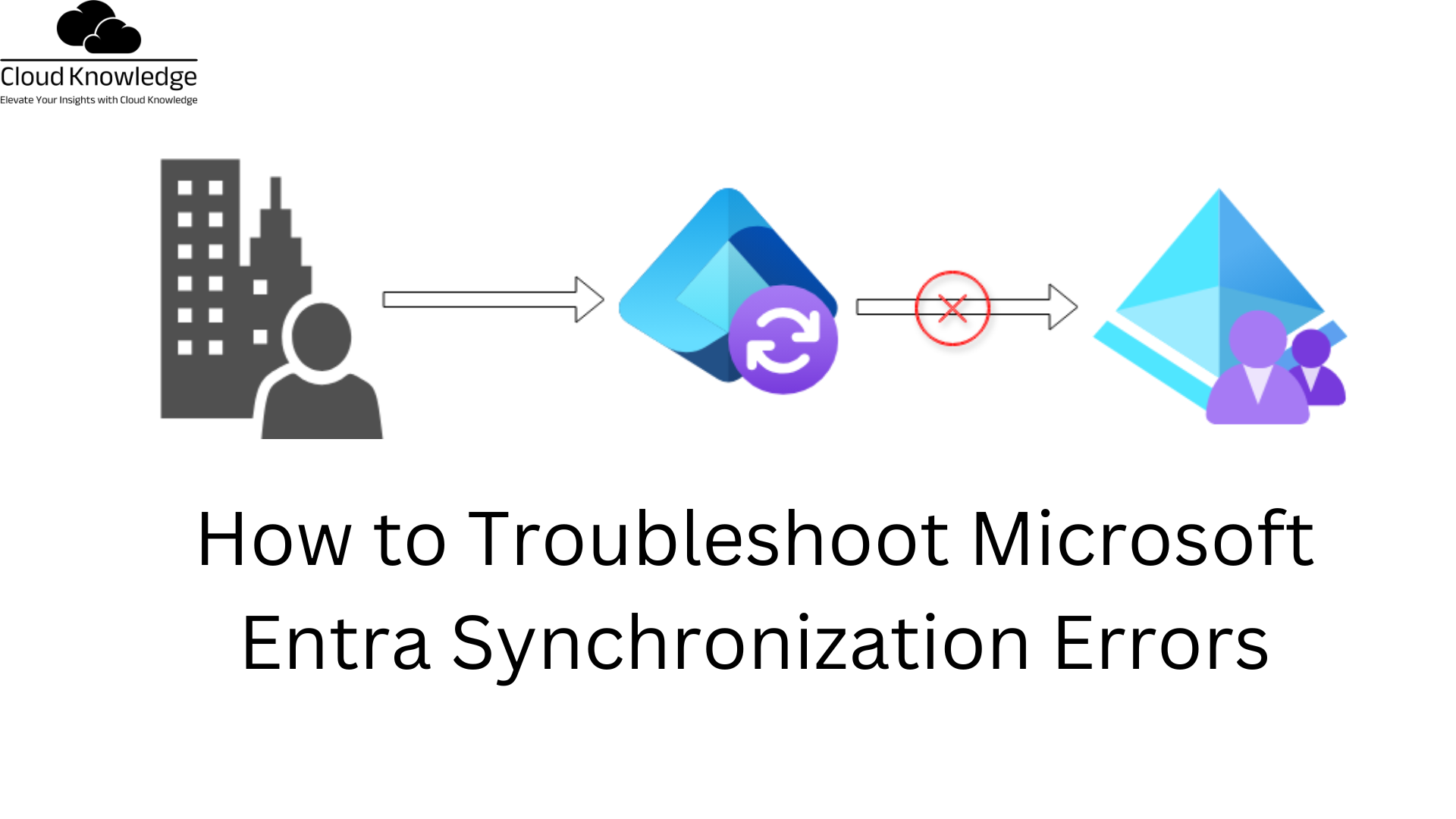
  • How to Troubleshoot Microsoft Entra Synchronization Errors

    How to Troubleshoot Microsoft Entra Synchronization Errors

    When syncing identity data between Windows Server Active Directory and Microsoft Entra ID, errors can arise that disrupt the process. This guide outlines the common types of sync errors, scenarios causing these issues, and steps to address them. While this document covers frequent errors, it may not address every scenario.…

  • The Importance of Reliable Connectivity in Entra ID

    The Importance of Reliable Connectivity in Entra ID

    Connectivity Issues in the Installation Wizard Key Points: Microsoft Entra Connect Versions: v2 and later: Use the Microsoft Authentication Library (MSAL). v1.6.xx.x and earlier: Use the Active Directory Authentication Library (ADAL), which is deprecated as of June 2022. Configuration Files: Ensure that the machine.config file is correctly configured. This file…

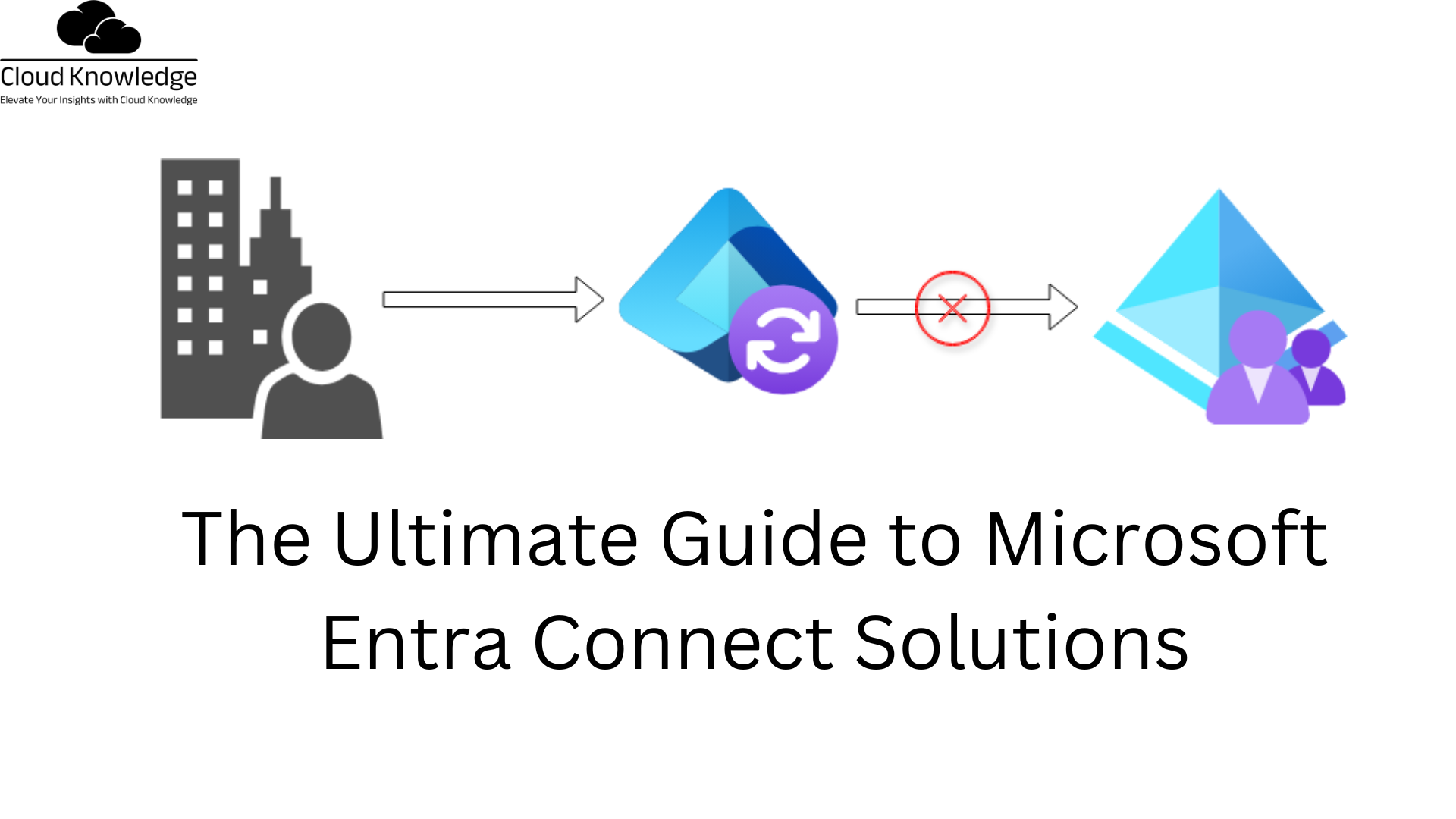
  • The Ultimate Guide to Microsoft Entra Connect Solutions

    The Ultimate Guide to Microsoft Entra Connect Solutions

    Troubleshooting Microsoft Entra Connectivity with ADConnectivityTool The ADConnectivity Tool is a PowerShell module designed to assist with diagnosing and troubleshooting network connectivity and Active Directory-related issues during specific scenarios with Microsoft Entra Connect (formerly Azure AD Connect). Here are the two key scenarios where this tool is utilized: During Installation…

  • How to Use Basic PowerShell Commands for Azure AD

    How to Use Basic PowerShell Commands for Azure AD

    Managing Active Directory (AD) and Azure Active Directory (Azure AD) often involves the use of PowerShell cmdlets for tasks ranging from syncing user accounts to diagnosing network connectivity. Below is a detailed guide to some of the most commonly used cmdlets and their descriptions. Active Directory Synchronization Cmdlets Get-ADSyncAADCompanyFeatureRetrieves the…

  • How to Configure Workday for Microsoft Entra

    How to Configure Workday for Microsoft Entra

    Objective This tutorial outlines the steps required to provision worker data from Workday into Microsoft Entra ID. Note:Use this tutorial if the users you want to provision from Workday are cloud-only users who do not require an on-premises AD account. If users require an on-premises AD account or both an…

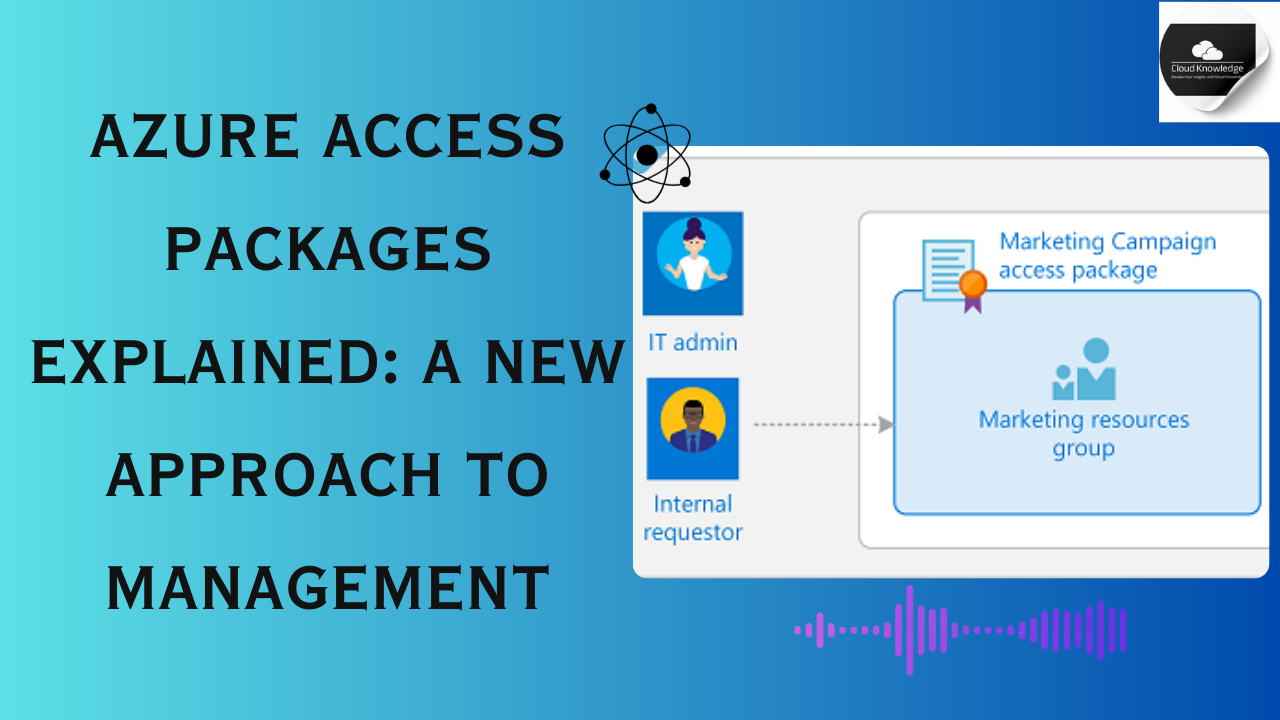
  • Azure Access Packages Explained: A New Approach to Management

    Azure Access Packages Explained: A New Approach to Management

    Overview of Access Package Catalogs Access packages must be organized within a container called a catalog, which defines the resources that can be included in the package. If no specific catalog is chosen, the access package is placed in the general catalog. Note that existing access packages cannot currently be…

  • How to Configure Microsoft Entra Privileged Identity Management

    How to Configure Microsoft Entra Privileged Identity Management

    Microsoft Entra Privileged Identity Management (PIM) is a feature within Microsoft Entra ID (formerly Azure Active Directory) that provides a way to manage, control, and monitor privileged access to important resources in your organization. PIM is specifically designed to enhance security by providing just-in-time (JIT) access, time-bound access, and approval…