

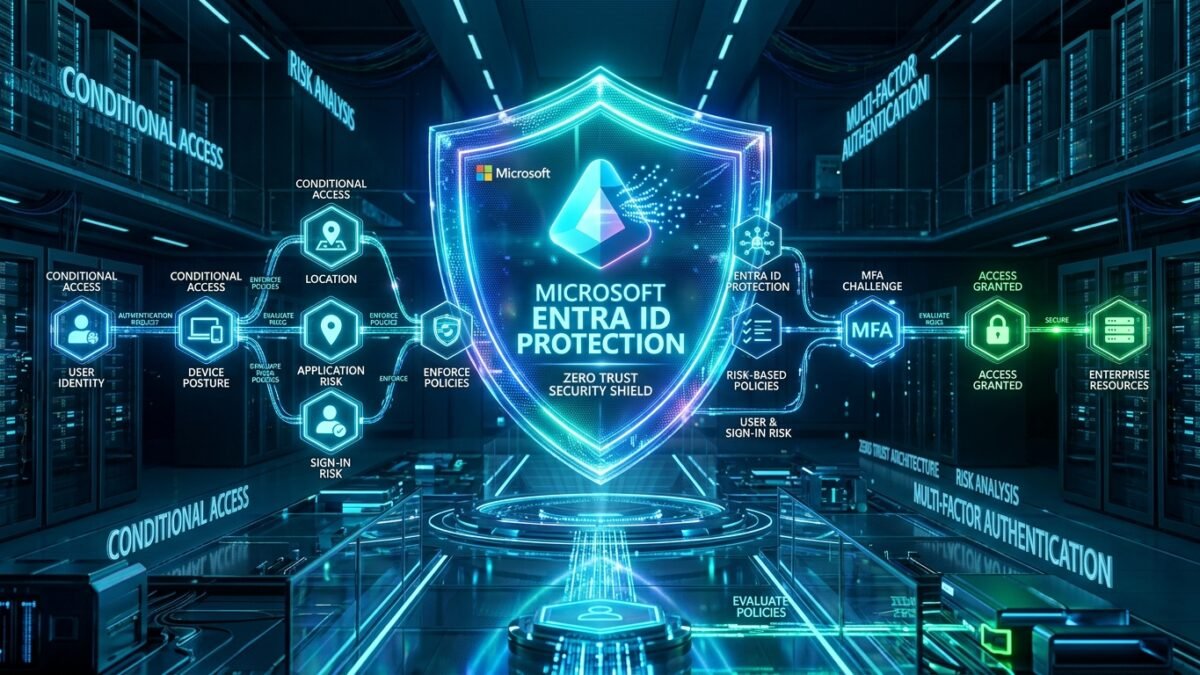
Privileged Identity Management (PIM) and automated Access Reviews form the bedrock of modern Zero Standing Privileges (ZSP) architecture. When interviewing for Senior Identity Engineer, Principal Security Architect, or Cloud Infrastructure Lead positions, candidates are expected to demonstrate deep mastery of real-world governance challenges: architecting role eligibility hierarchies, integrating multi-stage approval workflows, enforcing Authentication Context step-up requirements, and resolving broken PIM sync states. In this authoritative interview guide, we examine the top 25 Microsoft Entra PIM and Access Reviews scenario interview questions, providing architectural justifications, policy manifests, and KQL log auditing patterns.
1. The PIM Architecture Baseline
Microsoft Entra Privileged Identity Management (PIM) is a cloud identity governance service that manages, controls, and monitors access to critical resources across Microsoft Entra ID, Azure resources, Microsoft 365, and PIM for Groups by enforcing Just-In-Time (JIT) role activation, multi-party approvals, ticket justification, and time-bound access expiration.
| PIM Assignment Type | User Rights in Resting State | Activation Requirements | Session Duration |
|---|---|---|---|
| Permanent Active | Full administrative rights 24/7 | None (Anti-pattern in Zero Trust) | Permanent |
| Eligible Assignment | Zero standing rights | MFA, Ticket Number, Approval, Business Justification | Configurable (e.g., 1 to 8 hours) |
| PIM for Groups (Eligible) | Zero group membership | JIT group membership activation | Inherited by all group-bound apps/roles |
2. Top 10 Scenario Interview Questions
Q1: Why is PIM for Groups considered architecturally superior to direct PIM Directory Role assignments?
Senior Answer: Direct directory role PIM is limited to Entra ID and Azure Resource Manager (ARM). In an enterprise operating across hybrid AD, AWS, GCP, Snowflake, and Salesforce, managing individual PIM assignments for each tool creates administrative chaos. PIM for Groups allows an organization to assign multi-cloud permissions to a single role-assignable Entra security group. When an engineer activates eligible membership in the group, they inherit access across Azure, AWS IAM Identity Center, and SaaS apps simultaneously, and lose access universally when the timer expires.
Q2: How do you enforce Phishing-Resistant MFA specifically when an administrator activates the Global Admin role in PIM?
Senior Answer: In Entra ID PIM role settings, we bind the role activation requirement to an Authentication Context (e.g., c1). Then, we create a Conditional Access policy targeting that Authentication Context requiring the Phishing-resistant MFA authentication strength (FIDO2 or Windows Hello for Business). When the user attempts to activate the role, PIM redirects them to complete the cryptographic step-up challenge before releasing the role.
Q3: An administrator activates an eligible role in PIM, but when running an Azure CLI or PowerShell script, they still receive AuthorizationFailed errors. How do you troubleshoot this?
Senior Answer: This is almost always caused by cached OAuth access tokens. When Azure CLI or PowerShell logs in, it acquires an access token valid for 60 to 90 minutes. If the user activates PIM after logging into CLI, the local token cache does not contain the newly activated role claim. The fix is refreshing the token:
az account clear && az loginor in PowerShell:
Disconnect-AzAccount && Connect-AzAccountQ4: How do you configure an Access Review to automatically disable accounts that fail to respond within 14 days?
Senior Answer: In the Entra Access Review configuration:
- Set Duration to
14 days. - Under “Upon completion settings”, set “If reviewers don’t respond” to
Remove accessorTake recommendations (Disable account). - Enable “Auto-apply results to resource: Enabled”.
When the review concludes, Entra ID’s background engine executes the removal without human intervention.
Q5: How do you prevent emergency “Break-Glass” accounts from being locked out by PIM policy failures?
Senior Answer: Break-glass accounts must never be assigned roles via PIM. They must hold permanent active Global Administrator assignments, be cloud-only accounts (@tenant.onmicrosoft.com), and be explicitly excluded from all Conditional Access policies to guarantee access during service disruptions.
Recommended Hardware & Reference Architecture Literature
Tested tools and authoritative documentation to implement the architectures covered in this lab: