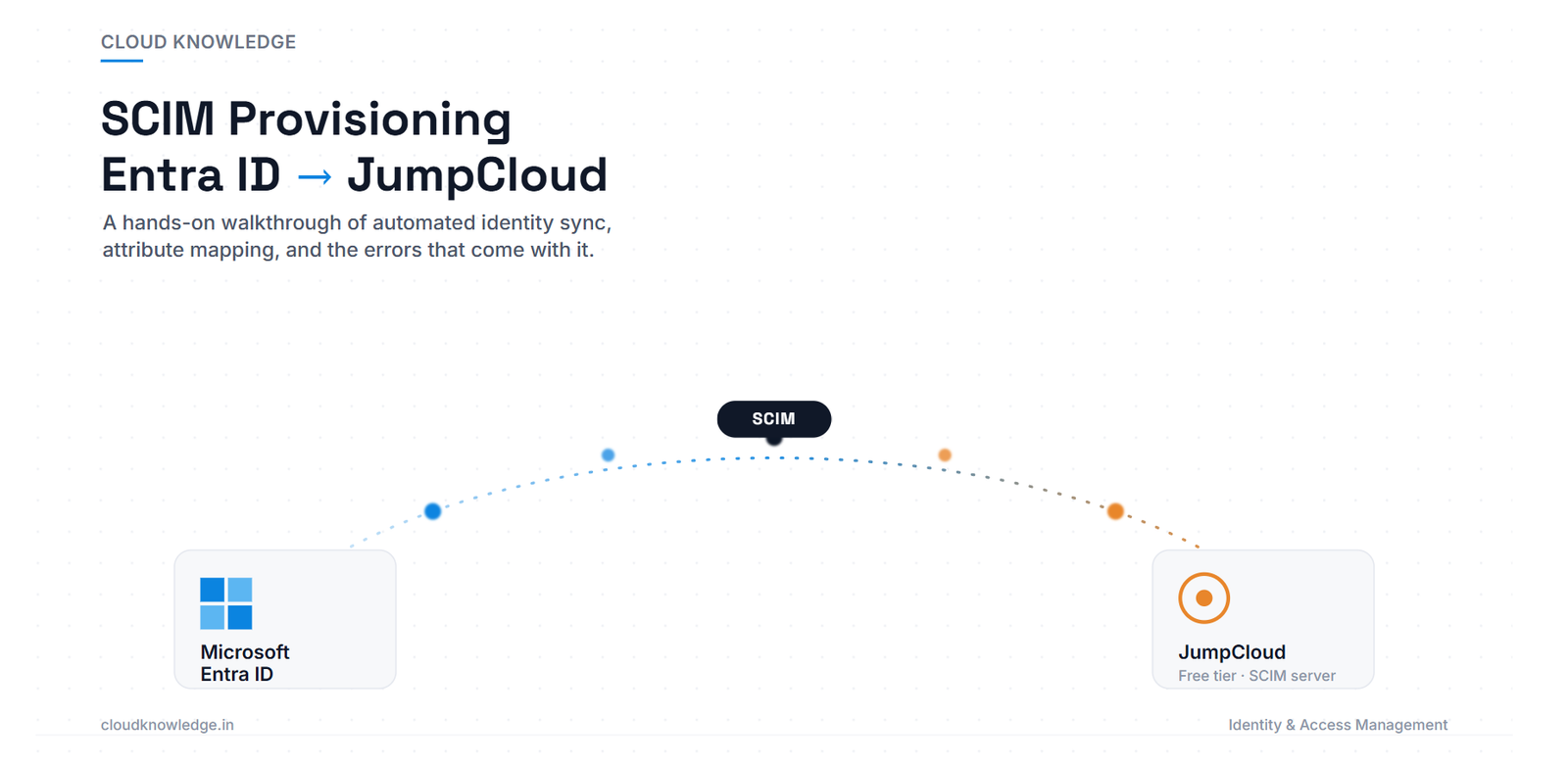
How I Set Up SCIM Provisioning From Microsoft Entra ID to JumpCloud
How I Set Up SCIM Provisioning From Microsoft Entra ID to JumpCloud (Step-by-Step) How I Set Up SCIM Provisioning From Microsoft Entra ID to…
How I Set Up SCIM Provisioning From Microsoft Entra ID to JumpCloud (Step-by-Step) How I Set Up SCIM Provisioning From Microsoft Entra ID to…
Step-by-step guide to creating Authentication Policies in Okta: 4 policies with rules, phishing-resistant MFA, anomaly detection, Zero Trust, plus 10 FAQs.
Ultimate guide to Okta Workflows and Automations, Inline Hooks, Event Hooks, and Delegated Flows. Learn identity automation with 10 detailed FAQs, real-world examples, and best practices.
Master Okta HealthInsight Authenticators, Authentication policies, Global Session Policy, Identity Threat Protection & User profile policies.
OAuth 2.0 & OpenID Connect — Full Authentication Flow Deep Dive
Learn Okta Active Directory Integration architecture, deployment, synchronization, lifecycle management, troubleshooting, security best practices, PowerShell automation, and enterprise implementation guide.
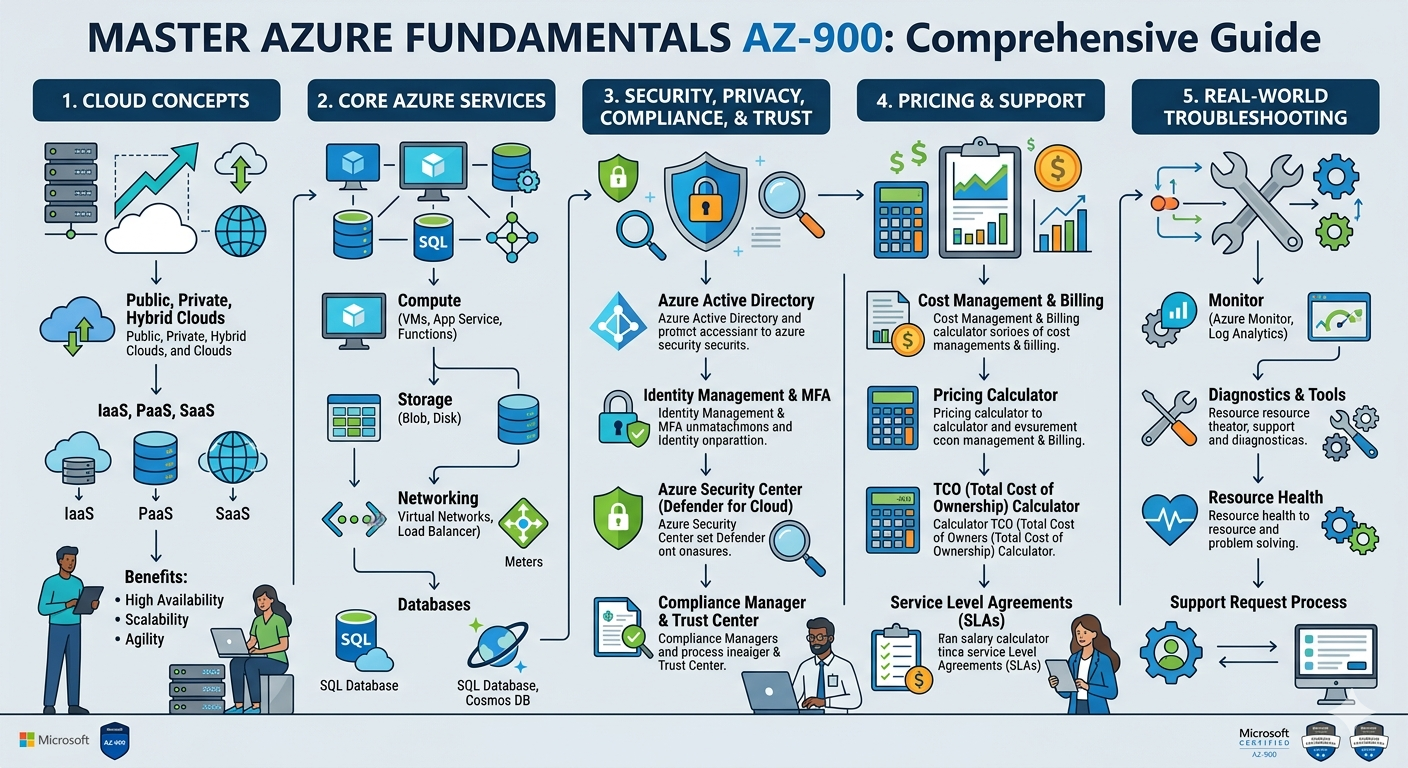
Master Azure Fundamentals AZ-900: cloud concepts, services, security, pricing, and real-world troubleshooting guide.
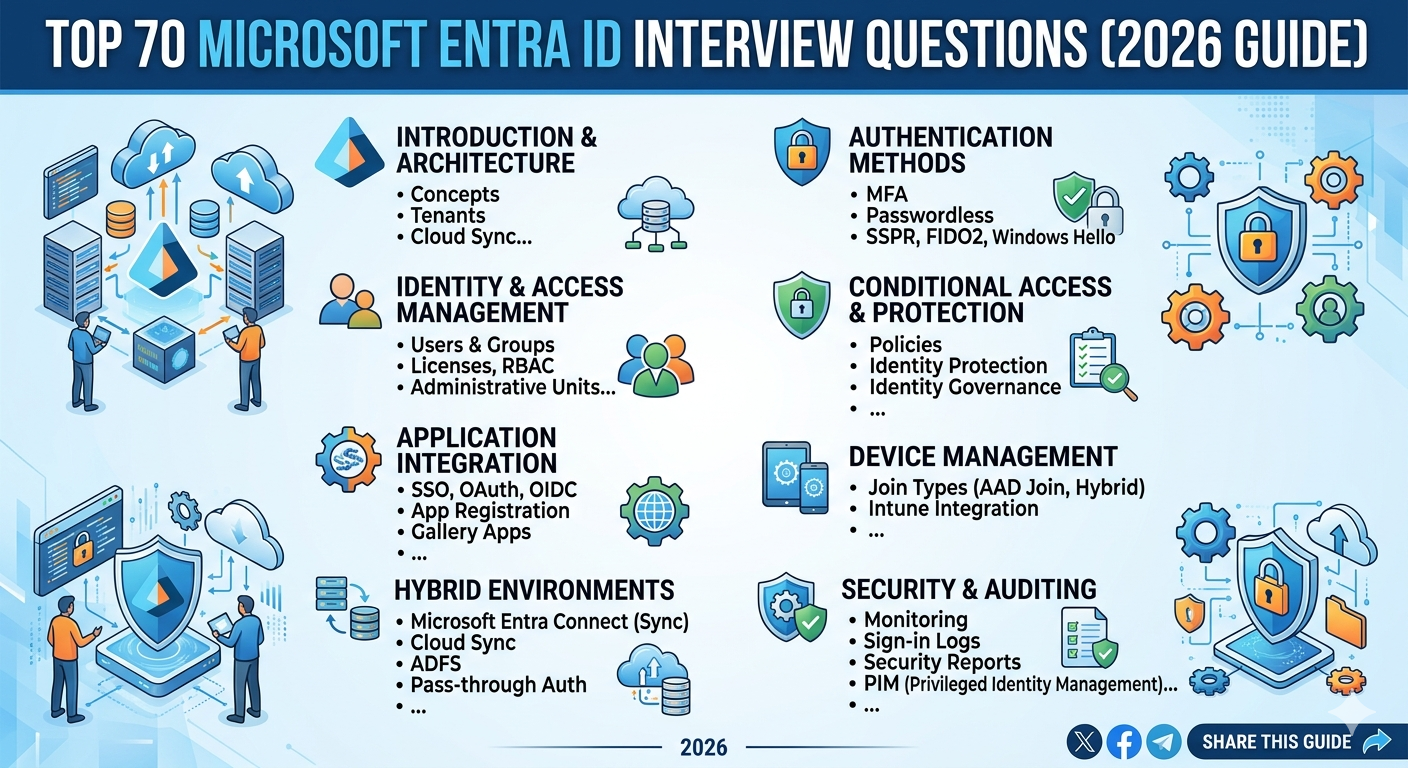
Top 70 Microsoft Entra ID Interview Questions (2026 Guide)
Okta AD Integration Interview Questions
Okta AD Agent Setup
Okta Delegated Authentication
IAM Interview Guide
Active Directory Integration Okta
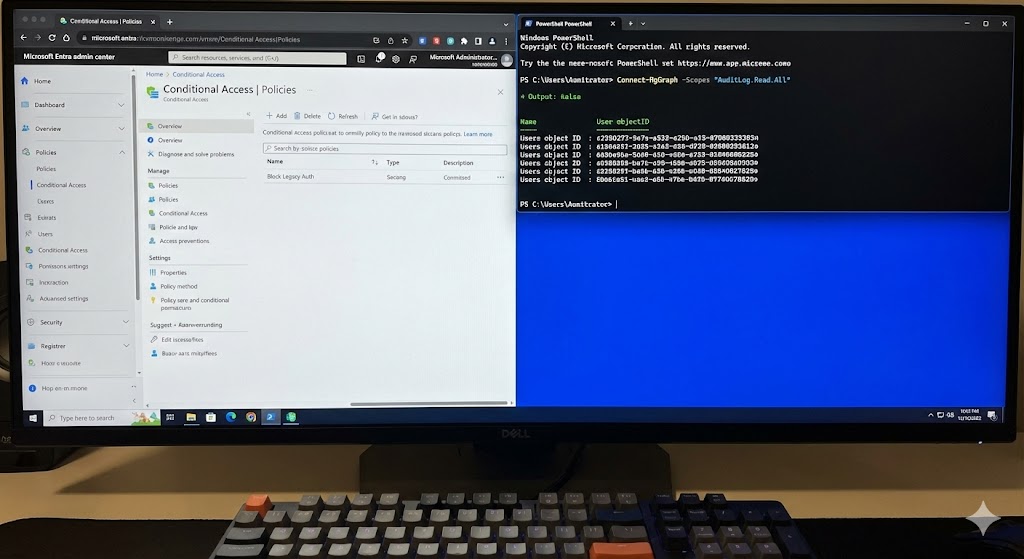
A close-up photograph of a desktop computer monitor with a split-screen view. On the left half of the screen is the white and blue Microsoft Entra admin center interface, showing a “Conditional Access | Policies” page with a policy named “Block Legacy Auth.” On the right half is a dark-mode PowerShell terminal window with bright blue text, showing an active script running: Connect-MgGraph -Scopes “AuditLog.Read.All”, followed by output listing several user object IDs. A mechanical keyboard is in the immediate foreground.

Our website has been refreshed with improved training, consulting, support services, and technical blogs.