
10 Powerful Fixes for Entra Connect Sync Errors (Complete Troubleshooting Guide)
10 Powerful Fixes for Entra Connect Sync Errors (Complete Troubleshooting Guide)
10 Powerful Fixes for Entra Connect Sync Errors (Complete Troubleshooting Guide)
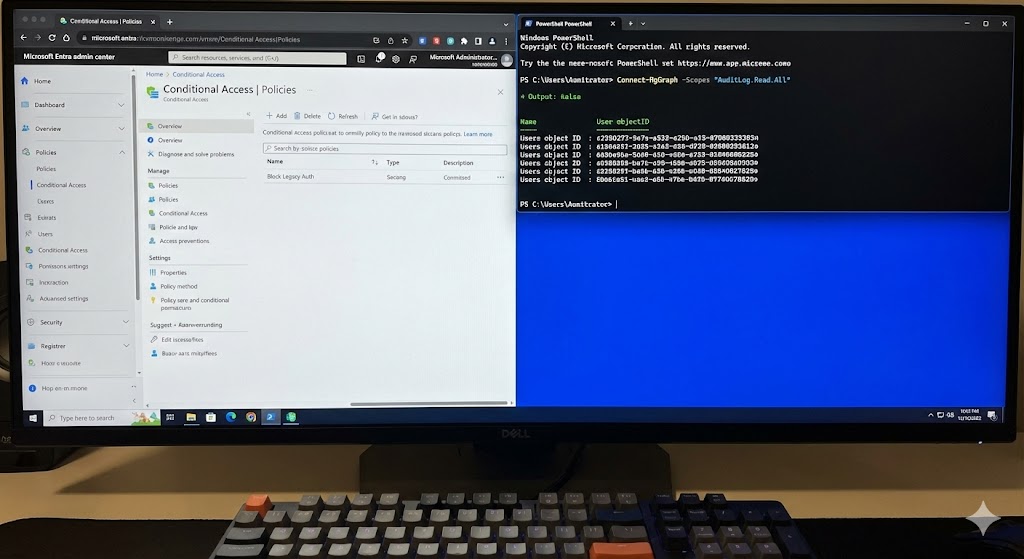
A close-up photograph of a desktop computer monitor with a split-screen view. On the left half of the screen is the white and blue Microsoft Entra admin center interface, showing a “Conditional Access | Policies” page with a policy named “Block Legacy Auth.” On the right half is a dark-mode PowerShell terminal window with bright blue text, showing an active script running: Connect-MgGraph -Scopes “AuditLog.Read.All”, followed by output listing several user object IDs. A mechanical keyboard is in the immediate foreground.
Active Directory Migration from Windows Server 2019 to 2022: 15-Step Proven Checklist Active Directory migration from Windows Server 2019 to 2022 is a critical…
Azure AD Connect deep dive — setup, sync types (PHS/PTA/AD FS), troubleshooting PowerShell & Graph API examples.
Active Directory Domain Services explained—architecture, security, GPOs, hybrid with Entra ID, and deep PowerShell troubleshooting.
Build a Windows Server 2025 Active Directory Lab in VirtualBox — End-to-End Guide (with Hybrid Entra ID)
Build a Secure Windows Server 2025 Active Directory Virtual Lab in VirtualBox — Step-by-Step
Directory Synchronisation / Hybrid Setup Problems
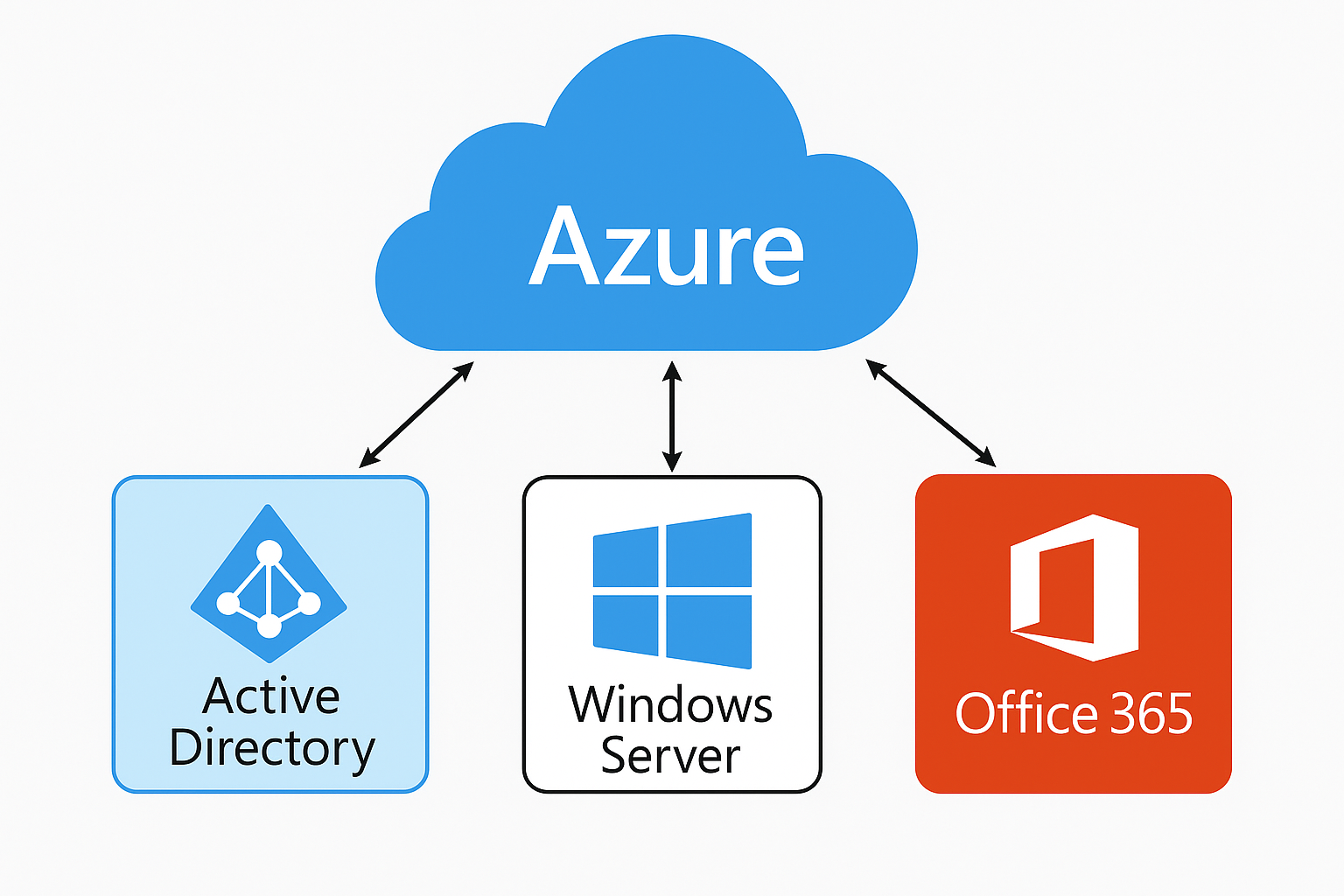
Azure Integration with Microsoft Stack — Active Directory, Windows Server & Microsoft 365 | Cloud Knowledge Azure Integration with the Microsoft Stack: Active Directory,…
Microsoft Entra Connect: Automatic Upgrade – Complete Guide (2025)

Our website has been refreshed with improved training, consulting, support services, and technical blogs.