
10 Powerful Fixes for Entra Connect Sync Errors (Complete Troubleshooting Guide)
10 Powerful Fixes for Entra Connect Sync Errors (Complete Troubleshooting Guide)
10 Powerful Fixes for Entra Connect Sync Errors (Complete Troubleshooting Guide)
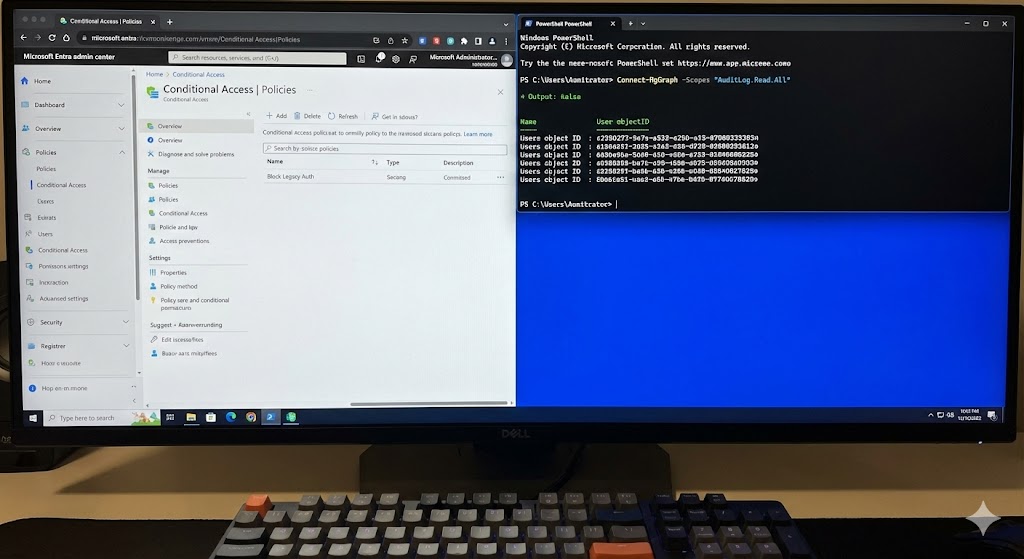
A close-up photograph of a desktop computer monitor with a split-screen view. On the left half of the screen is the white and blue Microsoft Entra admin center interface, showing a “Conditional Access | Policies” page with a policy named “Block Legacy Auth.” On the right half is a dark-mode PowerShell terminal window with bright blue text, showing an active script running: Connect-MgGraph -Scopes “AuditLog.Read.All”, followed by output listing several user object IDs. A mechanical keyboard is in the immediate foreground.

Our website has been refreshed with improved training, consulting, support services, and technical blogs.