-

-

Data lakes and analytics in the cloud: comparing services across AWS/Azure/GCP
Data lakes and analytics in the cloud: comparing services across AWS/Azure/GCP
-

How to Use Basic PowerShell Commands for Azure AD
Managing Active Directory (AD) and Azure Active Directory (Azure AD) often involves the use of PowerShell cmdlets for tasks ranging from syncing user accounts to diagnosing network connectivity. Below is a detailed guide to some of the most commonly used cmdlets and their descriptions. Active Directory Synchronization Cmdlets Get-ADSyncAADCompanyFeatureRetrieves the configuration of features enabled…
-

How to Configure Workday for Microsoft Entra
Objective This tutorial outlines the steps required to provision worker data from Workday into Microsoft Entra ID. Note:Use this tutorial if the users you want to provision from Workday are cloud-only users who do not require an on-premises AD account. If users require an on-premises AD account or both an AD and a Microsoft…
-
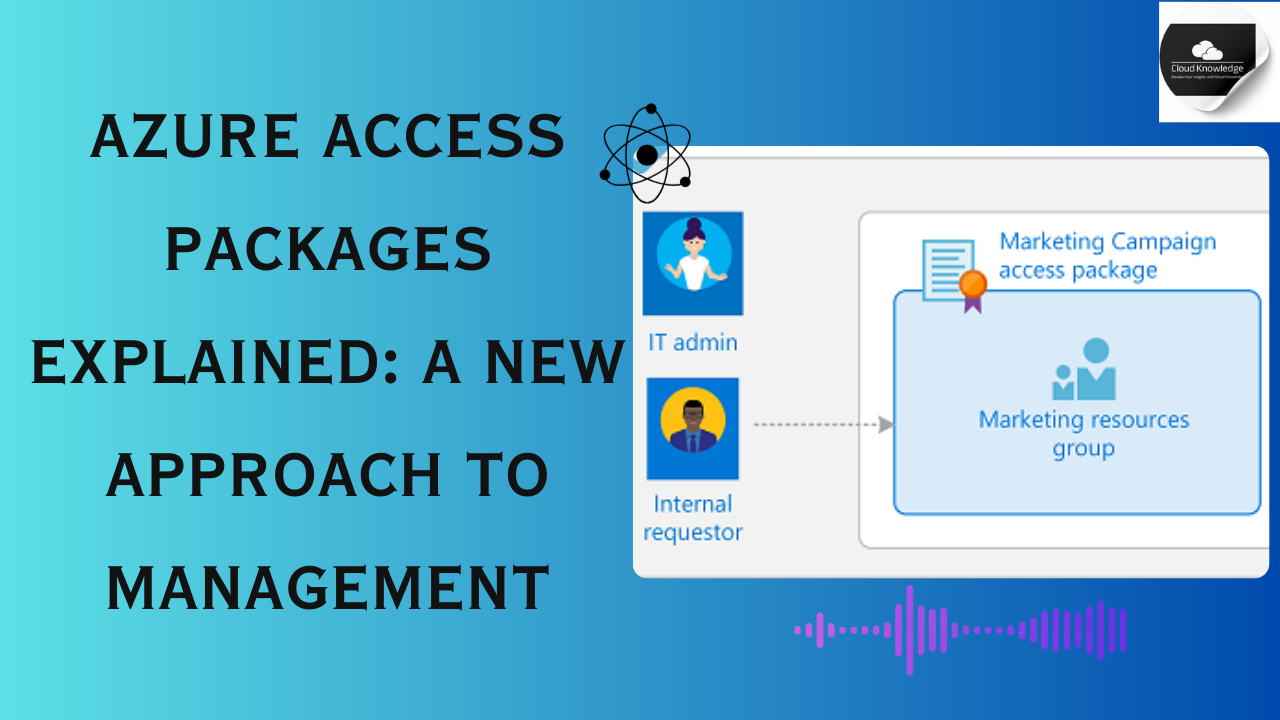
Azure Access Packages Explained: A New Approach to Management
Overview of Access Package Catalogs Access packages must be organized within a container called a catalog, which defines the resources that can be included in the package. If no specific catalog is chosen, the access package is placed in the general catalog. Note that existing access packages cannot currently be moved between catalogs. Access…
-

How to Configure Microsoft Entra Privileged Identity Management
Microsoft Entra Privileged Identity Management (PIM) is a feature within Microsoft Entra ID (formerly Azure Active Directory) that provides a way to manage, control, and monitor privileged access to important resources in your organization. PIM is specifically designed to enhance security by providing just-in-time (JIT) access, time-bound access, and approval workflows for elevated permissions.…
-

How to Create a Secret Office 365 Group for Secure Collaboration
Learn how to create a truly secret Office 365 Group using PowerShell to enhance privacy and security. Unlike a simple Private group created via the user interface, this method hides group membership and removes the group from search results. Before executing the PowerShell commands to create or manage a Secret Office 365 Group,…
-

Your Ultimate Guide to Configuring Azure AD Connect
Azure AD Connect Installation and Setup Prerequisites Before downloading and installing Azure AD Connect, ensure your on-premises Active Directory (AD) and Azure environments meet the necessary requirements. This guide outlines the prerequisites and steps to confirm readiness. General Installation Requirements 1. Server Domain and OS Requirements The server must be joined to your on-premises…
-

How to Upgrade Azure AD Connect
Upgrading Azure AD Connect depends on your current setup and goals. Follow these steps to ensure a smooth upgrade process while considering key dependencies. Step 1: Check Operating System Requirements Azure AD Connect V2.0 (and later) relies on SQL Server 2019 LocalDB, which is compatible only with Windows Server 2016 or newer. If your…
-

Azure Cloud Sync Troubleshooting
Cloud synchronization is a critical feature for maintaining seamless data and identity management between on-premises and cloud environments. However, its multiple dependencies and interactions can sometimes lead to challenges. This comprehensive guide will walk you through troubleshooting cloud sync issues, providing actionable steps and insights to resolve them effectively. Common Cloud Sync Issues and…
-
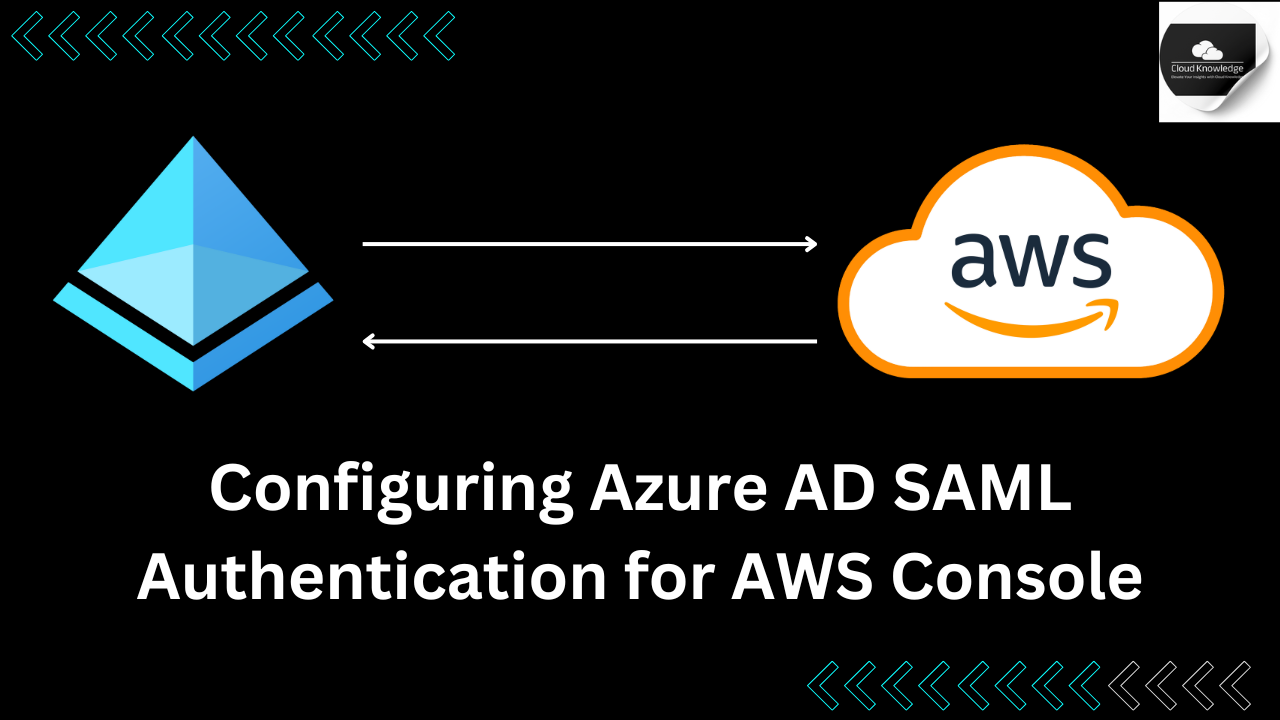
A Step-by-Step Guide to Azure AD SAML Authentication Configuration for AWS SSO
What we do with the above stepThe steps outlined above guide you through configuring Azure Active Directory (Azure AD) to manage user authentication for accessing the AWS console using SAML-based Single Sign-On (SSO). By following the steps outlined below, you will achieve: Two AWS accounts with three identical roles in each (Admin, Dev, Auditor).…
-
Understanding Identity Providers (IdP) and Their Role in Digital Security
What is an Identity Provider (IdP)? An Identity Provider (IdP) is a crucial component in the digital ecosystem that stores and manages users’ digital identities. Picture an IdP as the digital equivalent of a guest list, but for cloud-hosted applications instead of events. An IdP can verify user identities through various methods, such as…
